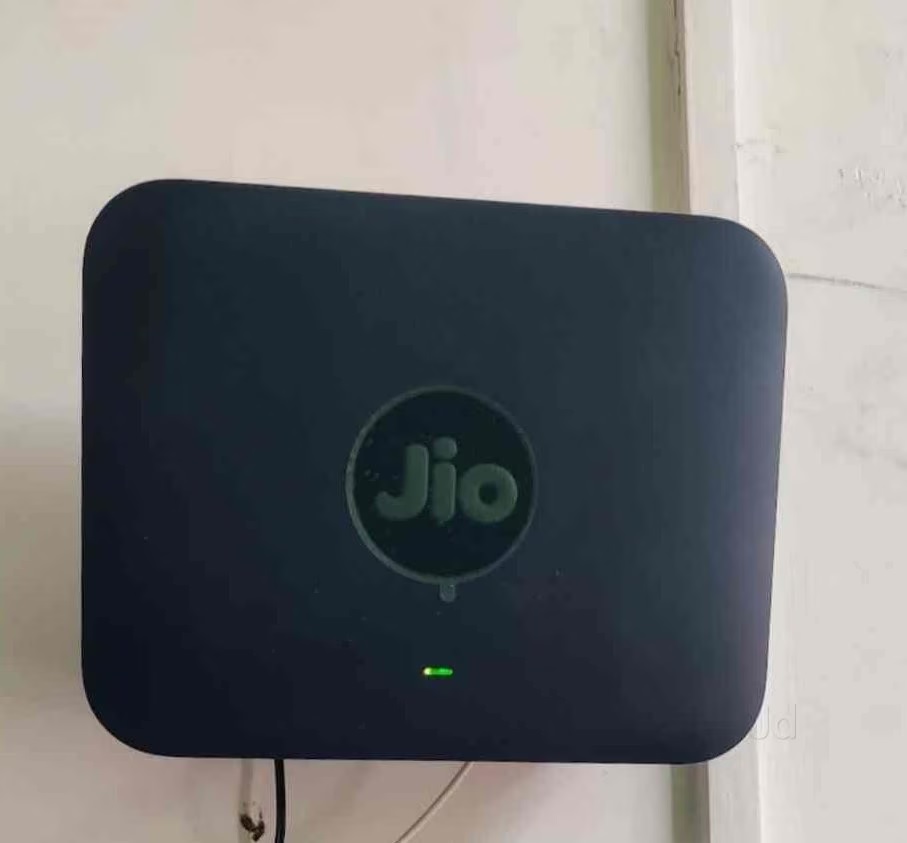
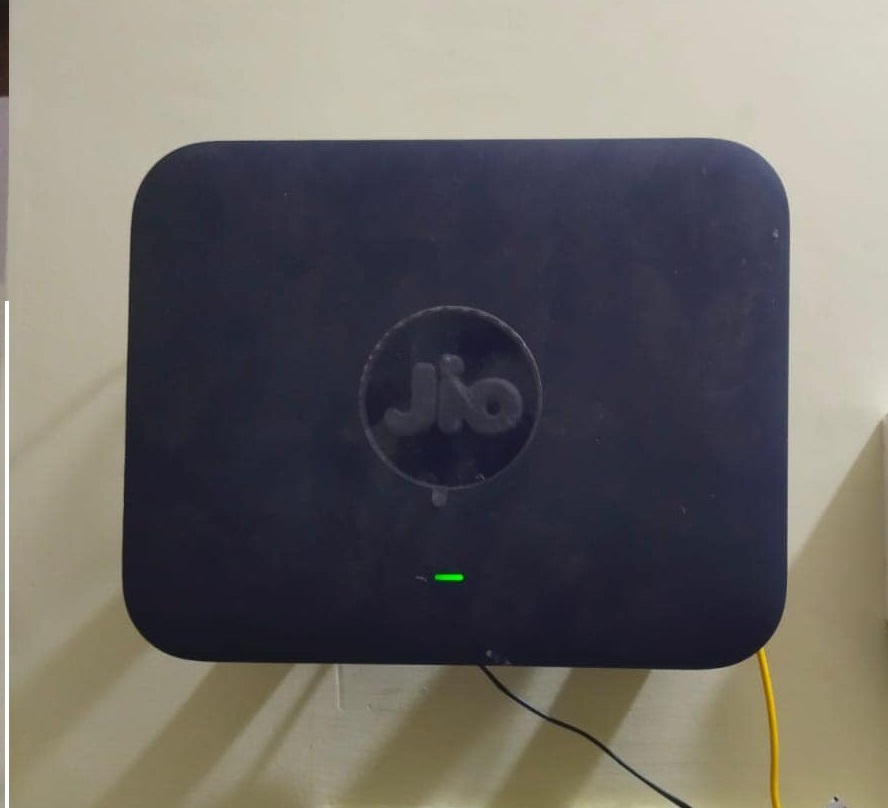
About Jio Fibre Modem cum Wifi Extender
The JioFiber modem, known as the Jio Home Gateway, is a dual-band ONT (Optical Network Terminal) provided during installation. It translates fiber optic signals into usable internet, creating a wireless network while acting as the hub for your broadband and smart home devices
- Dual-Band Support: Operates on both 2.4 GHz and 5 GHz frequencies to minimize interference and maximize speeds.
- Ethernet Ports: Includes LAN ports for hardwired connections to PCs, gaming consoles, or a Set-Top Box.
- JioHome App Compatibility:
- Change Wi-Fi Password: Navigate to the
My Device section in the app, select Wi-Fi Settings, and edit your SSID or Password.
- Block Unknown Devices: View connected devices in the app and tap the three dots beside an unknown device to block it. [1, 2]
Jio frequently upgrades their hardware to newer technologies like Wi-Fi 6 (AX3000/AX6000), offering broader coverage (up to 2000 sq. ft.) and higher speeds for heavy downloads and 4K streamin
Effortlessly Enhance Your WiFi CoverageExperience seamless internet connectivity by extending your existing WiFi range with the Jio Fibre Modem cum WiFi Extender. Its efficient working capacity of 1 piece per hour and robust 12.5V rated voltage help eliminate dead spots, ensuring uninterrupted browsing for all devices. With its slim 4 micrometer thickness and compact size, the device easily fits any space.
Simple Installation and Versatile ApplicationThis WiFi extender is straightforward to set up and configure, especially designed for Jio IP applications. Suitable for both households and commercial spaces, it can be used by dealers, retailers, suppliers, and wholesalers alike. Its reliable 3-month warranty ensures peace of mind after purchase for all users.
FAQ's of Jio Fibre Modem cum Wifi Extender:
Q: How does the Jio Fibre Modem cum WiFi Extender improve internet coverage?
A: The device amplifies and redistributes your existing WiFi signal, extending coverage to remote or hard-to-reach areas within your home or office. This reduces connectivity dead zones and ensures seamless internet access throughout your space.
Q: What is the process for setting up the Jio WiFi Extender?
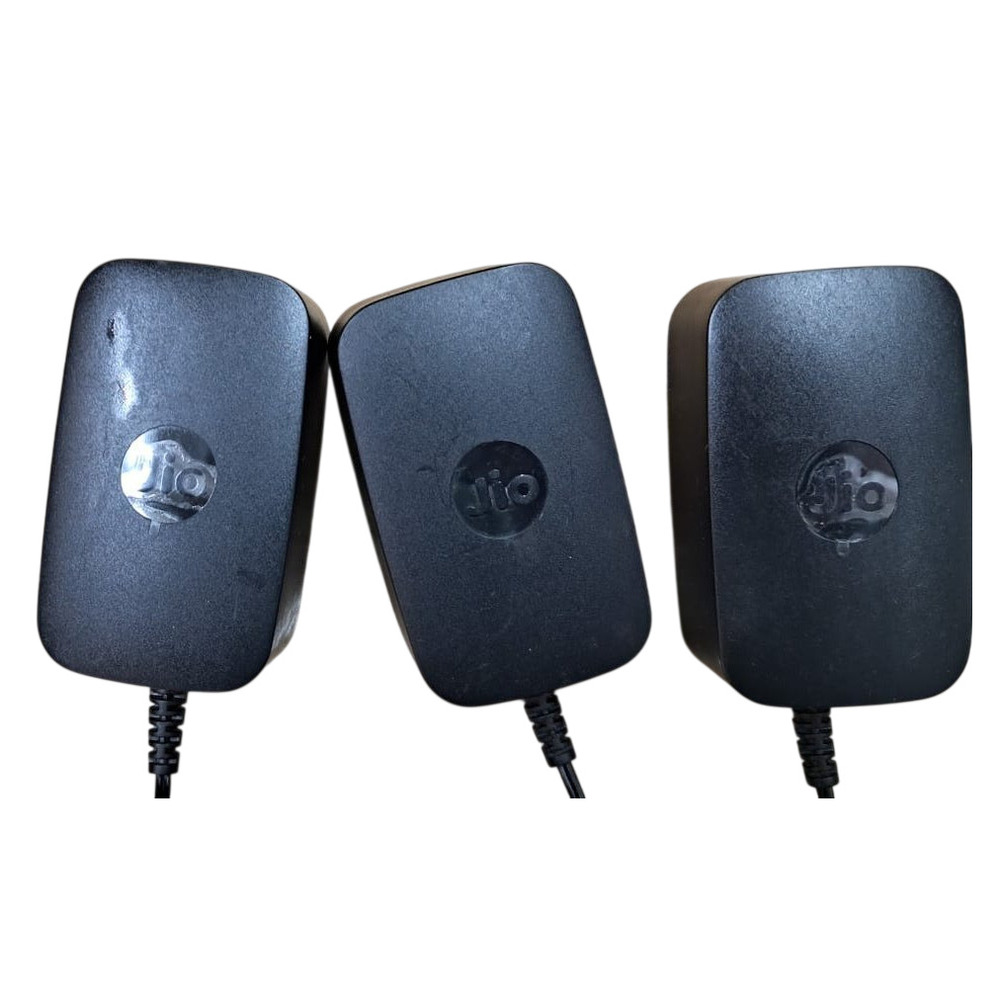
A: Setting up the WiFi extender is easy. Simply connect the device to your power supply (12.5V), follow the Jio IP configuration steps provided in the manual, and link it with your existing WiFi network to start enjoying extended coverage.
Q: When should I use a WiFi range extender like this model?
A: A WiFi range extender is ideal when you experience weak or inconsistent wireless signals in certain parts of your premises. If your current router does not provide full coverage, this device helps maintain strong internet connectivity everywhere.
Q: Where can I position the WiFi extender for optimal performance?
A: Place the extender midway between your main WiFi router and the area where you need improved coverage. Ensure it is within the range of the router's signal for the best performance.
Q: What are the benefits of using the Jio Fibre Modem cum WiFi Extender?
A: Benefits include expanded WiFi coverage, stable connections, elimination of dead spots, and improved internet experience for multiple devices. Its compact design also ensures it doesn't clutter your space.
Q: Does the product come with any warranty or after-sales support?
A: Yes, the Jio Fibre Modem cum WiFi Extender comes with a 3-month warranty, providing assurance and support in case of any manufacturing defects or issues during the covered period.






 Send Inquiry


 Send Inquiry